CRM / Career tracking / Everyday organization
Bingo
CRM.
Less scattered.
More organized.
One workspace for job applications, professional relationships, tasks, and the habits behind everyday progress.
Launch site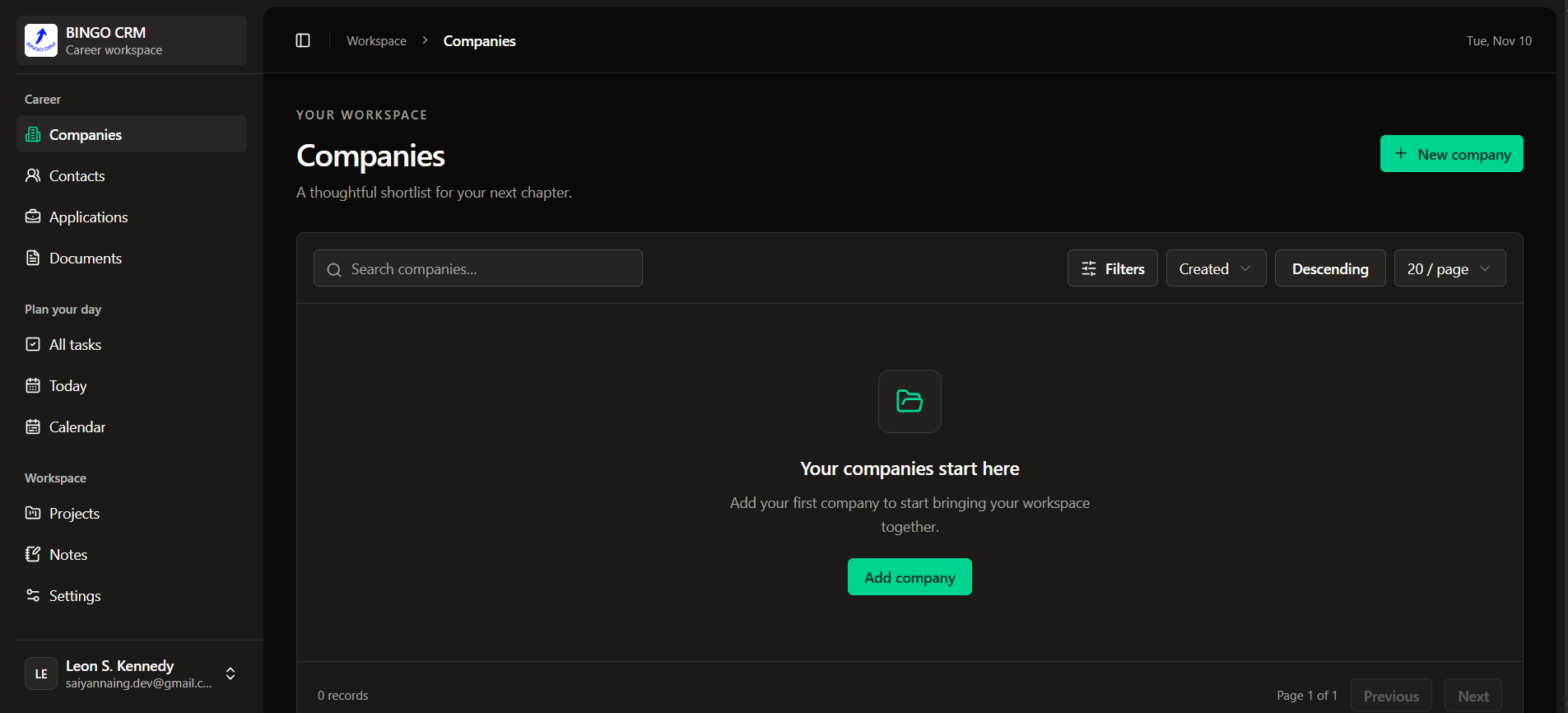
01 / Overview
A place for the bigger picture.
Bingo CRM brings job tracking and personal organization into a single workspace. Companies, contacts, and applications sit alongside projects, daily tasks, notes, documents, and learning progress, making it easier to keep work and routines organized.
02 / Workspace
Connected work.
Clear boundaries.
 Open full size
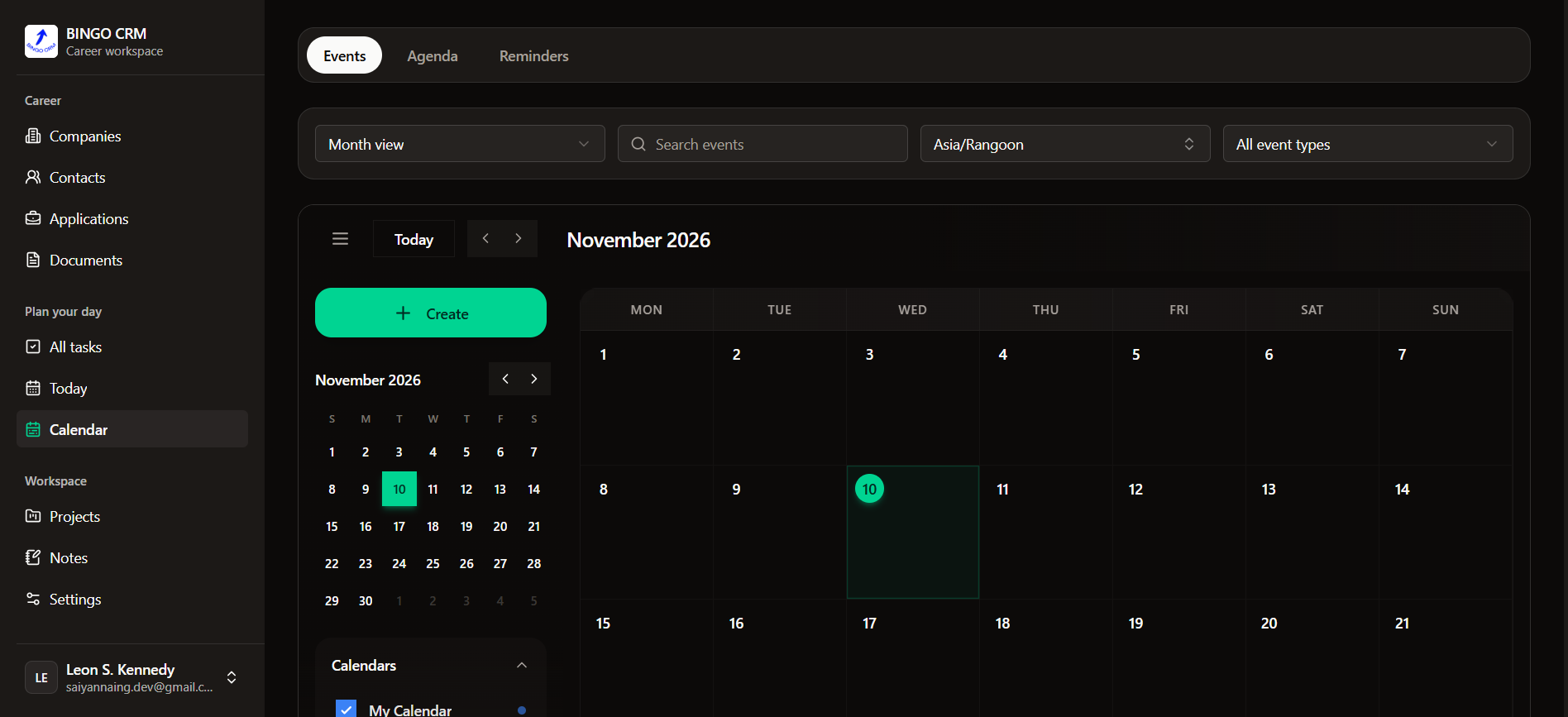
Calendar
Events, agenda, and reminders with a time zone selector.
 Open full size
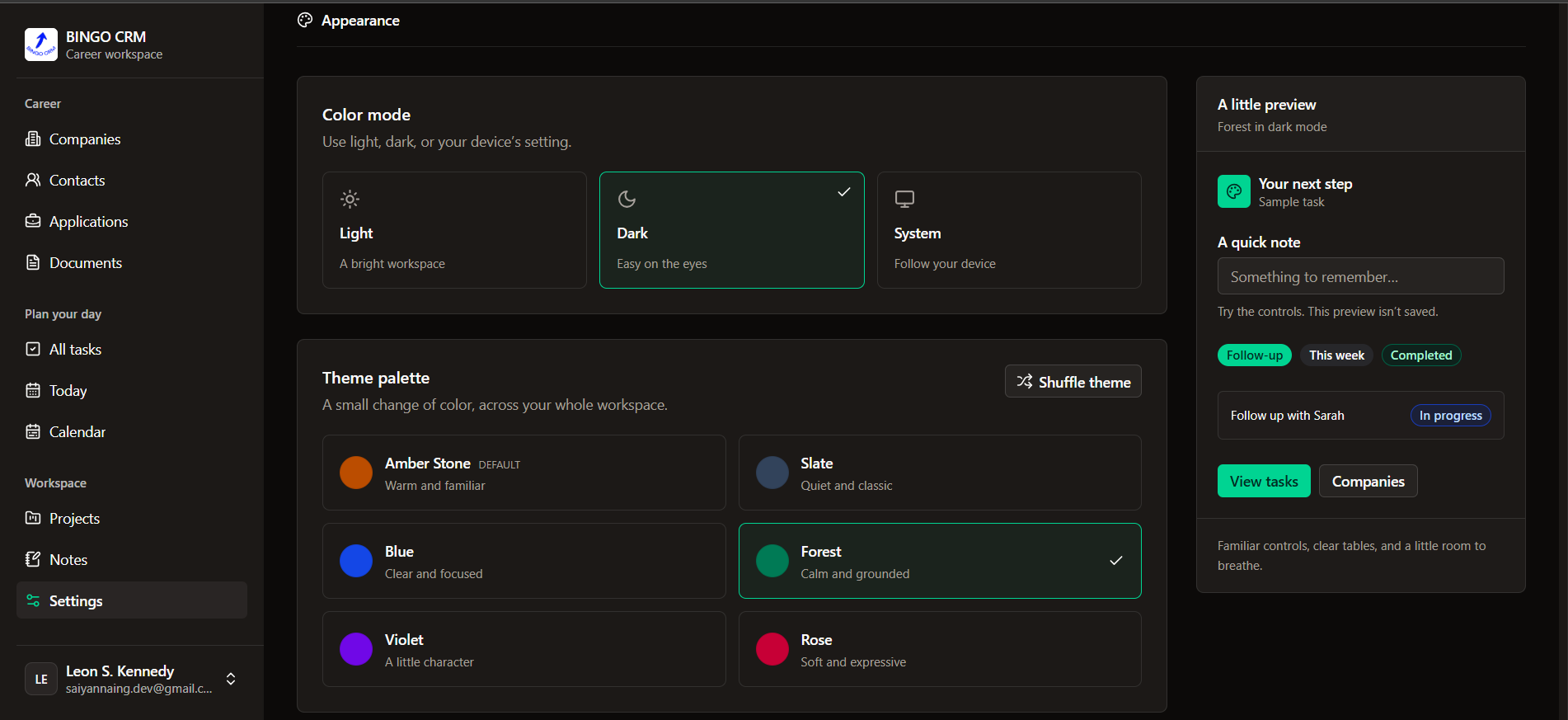
Appearance
Light, dark, and system modes with workspace theme palettes.
 Open full size
Sign in
The welcome screen for a personal career workspace.
Companies
Keep organization records together and easier to find.
Contacts
Give professional relationships a place in the workspace.
Applications & pipeline
Organize job applications and follow their progress through the pipeline.
Projects & activities
Keep project work and its related activities in context.
Tasks & calendar
Plan daily work, follow-ups, and the routines that keep things moving.
Notes
Capture ideas with a formatting toolbar and Markdown-ready content.
Documents
Organize the documents that support applications and project work.
Learning tracker
Track learning alongside career goals and everyday habits.
Analytics
Bring workspace activity into view to understand progress.
Interviews
A domain scaffold prepared for the next version of the application.
03 / Technology
A modular API.
A focused client.
API & database
A TypeScript API organized into domain modules, backed by relational data.
- Node.js
- Express
- TypeScript
- PostgreSQL
- Prisma
Client & interface
A separate React and TypeScript client with themed components and nested, protected workspace routes.
- React
- Vite
- shadcn/ui
- Tailwind CSS
- CSS theme variables
- React Router
- Lucide React
Data, forms & tables
Typed API requests, reusable table controls, and validated forms that map explicitly to request bodies.
- TanStack Query
- Typed fetch
- React Hook Form
- Zod
- TanStack Table
- shadcn Table
Dates & time zones
Calendar and time entry with second precision, converting the selected time zone to API timestamps.
- shadcn Calendar / Popover
- Time input
- React DayPicker 9
- Intl
- date-fns
- date-fns-tz
Notes & formatting
A visual editing toolbar paired with Markdown-compatible storage and formatted detail views.
- Tiptap
- react-markdown
- remark-gfm
Verification & installs
Tools for form, API integration, and browser journey checks, with an independent client/ lockfile for repeatable installs.
- Vitest
- React Testing Library
- Playwright
- npm
04 / Engineering
Details that keep work predictable.
Give state a clear owner.
TanStack Query owns API data and caching. URL parameters hold navigable state, local React state handles UI details, and small contexts cover authentication and preferences.
Connect controls to the API.
Table pagination, filtering, and sorting use API parameters. Form values are validated before mapping to request bodies, and affected records refresh after changes.
Make time zone choices explicit.
Calendar and time inputs capture a wall-clock value in the selected zone. Date utilities convert that value to the timestamp expected by the API.